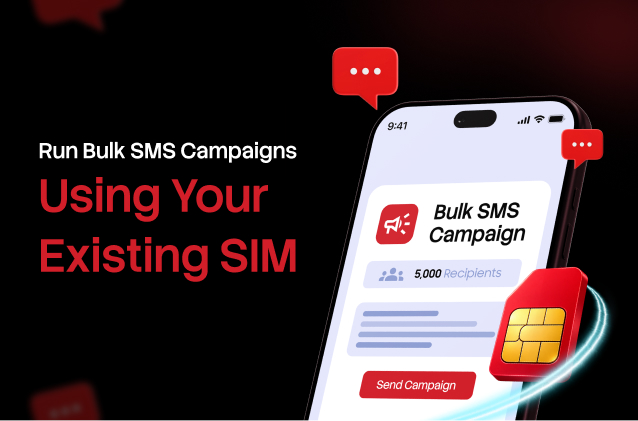
Customers tend to ignore texts from numbers they don’t recognize. A random shortcode looks like spam, and it gets treated as such. If you want to send bulk SMS from your own number, you can skip the shortcode and use your existing number instead.
From appointment reminders to promotional offers, customers are more likely to engage when they recognize who’s texting them.
This guide shows you how to send SMS campaigns using your existing SIM via Easify Connect.
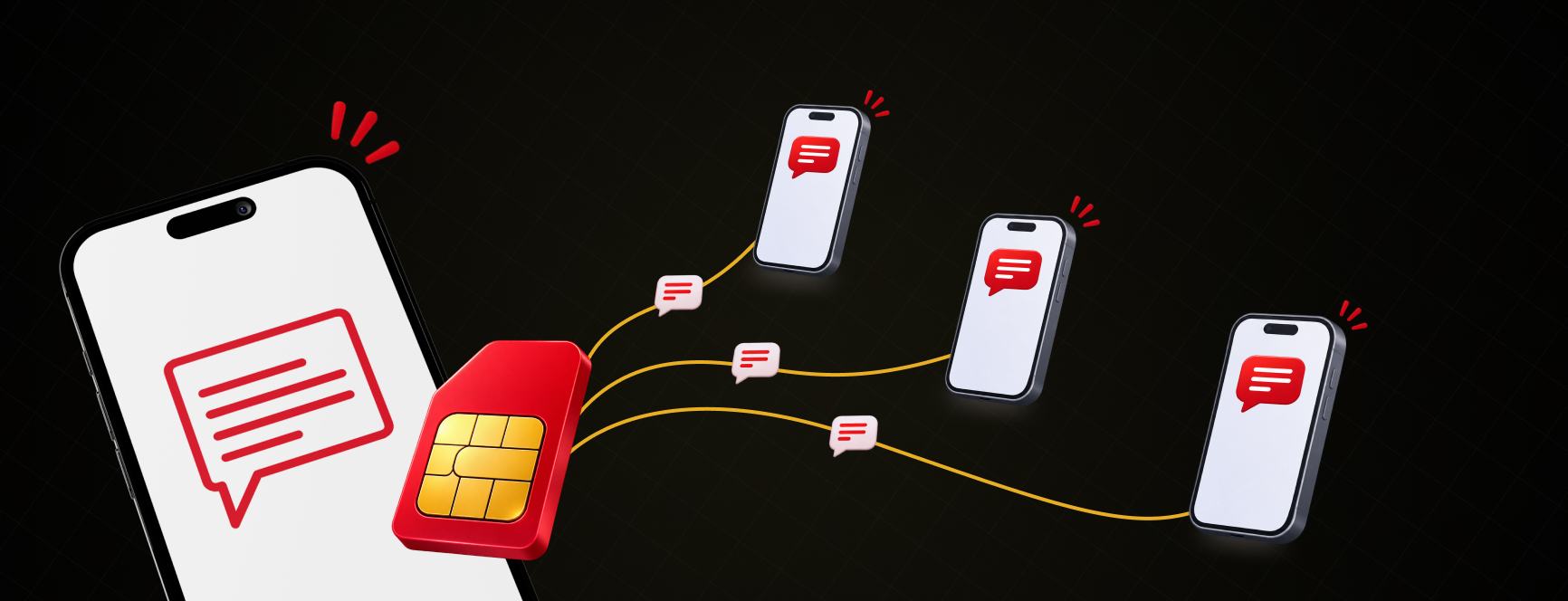
What You Need to Send Bulk SMS From Your Own Number
You can get started with just three things:
- An Android phone (Android 7.0 or later) with an active SIM or eSIM
- An Easify account
- The Easify Connect app, paired to your dashboard with a QR code
Once connected, you can use your phone’s SIM to send individual texts or bulk campaigns, all managed through Easify.
Getting Easify Connect up and running takes just a few minutes:
- Download the Easify Connect app on your Android phone.
- Open your Easify dashboard and generate a QR code.
- Scan the code using the app to pair your phone.
- Grant the required SMS, Phone, and notification permissions, then set Easify Connect as your default phone app.
Have a physical SIM or an eSIM? Both work. You can send bulk SMS using eSIM just as easily.
What can you do with Easify Connect?
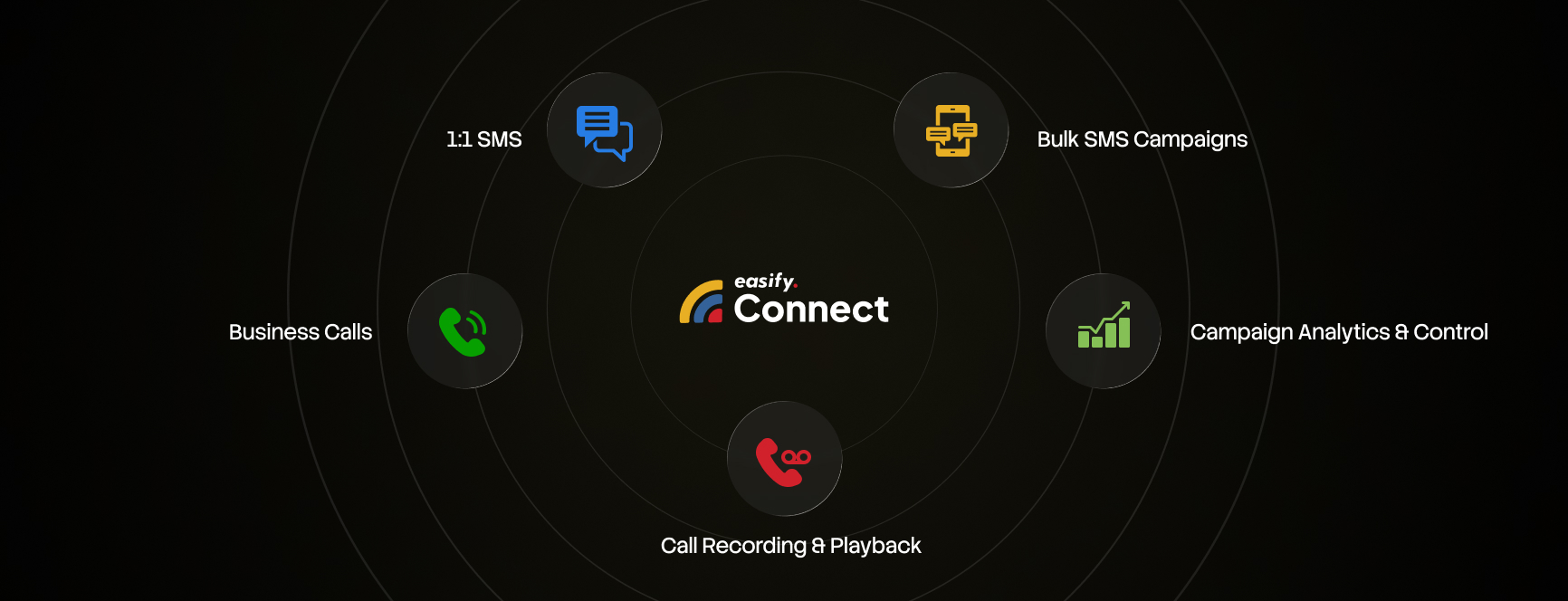
- 1:1 SMS
- Bulk SMS Campaigns
- Campaign Analytics & Control
- Business Calls
- Call Recording & Playback
Once Easify Connect is installed and running on your Android phone, you can start using your phone’s SIM to send texts, run campaigns, and make calls. Here’s what you can do:
- Send one-on-one texts and bulk campaigns
Send individual messages to customers or reach hundreds of contacts with a bulk SMS campaign. Choose your connected phone and SIM as the sender, and manage your campaigns from Easify.
- Manage business calls
Use your connected phone to make calls through Easify. Keep track of your conversations and record calls for future reference. You can play back call recordings whenever you need them.
- Track SMS delivery
Know what’s happening with your campaigns without having to guess. Track sent, delivered, and failed messages directly from your dashboard.
- Stay in control of your campaigns
Need to hold a campaign midway? You can pause it at any time and pick up where you left off.
- Manage conversations in one place
Keep customer texts and call activity together in a unified inbox.
Tips for better results
A few good practices can help keep your campaigns effective and your customers engaged:
- Get consent first. Only send messages to people who have agreed to receive texts from your business.
- Make opting out easy. Include clear instructions like “Reply STOP to opt out” in your messages and honor opt-out requests promptly.
- Keep messages relevant. Send offers, reminders, and updates that make sense for the people receiving them. Avoid sending the same message to everyone.
- Watch your sending frequency. Too many messages can frustrate customers and lead to more opt-outs.
- Check your contact lists. Remove invalid numbers, duplicates, and contacts who have opted out before launching a campaign.
- Pay attention to carrier limits. Your carrier’s messaging limits and fair-use policies still apply, so plan your campaign volume accordingly.
If you want to send mass text from my phone number regularly, a dedicated business line keeps things simple. This is general guidance, not legal advice. Check the rules that apply to your industry.
Who this works for
Easify Connect works for businesses of all sizes and across industries. If your work takes you out of the office and you still need to stay on top of customer communication, it’s a practical way to keep things moving.
Whether you’re visiting clients, managing operations on-site, or travelling between meetings, you can send individual texts, launch bulk SMS campaigns, and make business calls using your Android phone’s SIM, all through your Easify dashboard.
It’s especially useful when you need to run campaigns on the go without being tied to your desk.
Start Sending Bulk SMS From Your Own Number
You already have the number. Your customers already trust it. Easify Connect lets you run full campaigns from it, track every message, and keep every reply in one place.
Set it up in minutes and send your first campaign today. Book a demo to get a full walkthrough and start your free trial today to see it in action!
Follow Easify on Instagram, LinkedIn, Facebook, and YouTube for more tips on texting your customers.