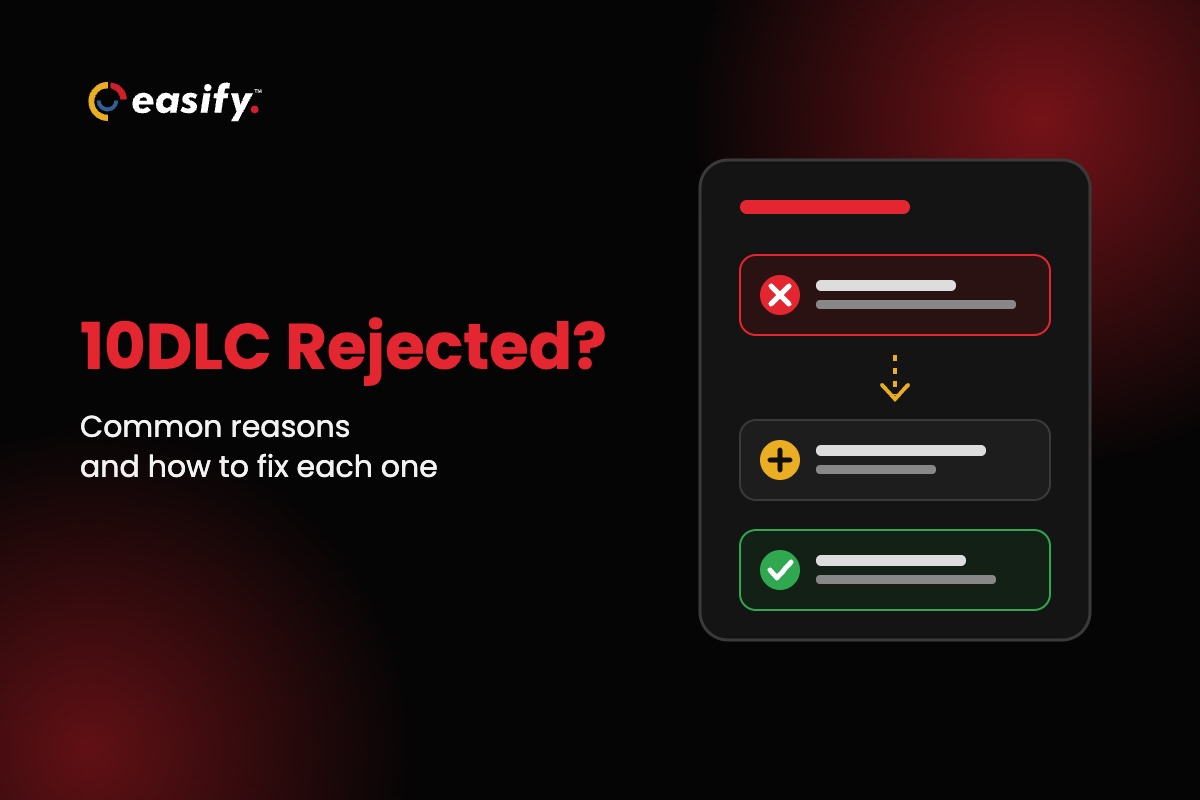
A 10DLC rejection means a reviewer turned down your brand or campaign registration. Most rejections point to a fixable gap (an EIN that doesn’t match your legal name, a vague consent description, a missing privacy policy), and you can resubmit once it’s fixed. Three kinds can’t be fixed by resubmitting the same campaign.
This post lists the common rejection reasons, what each one means, the fix, and whether you can resubmit. It also shows what a rejection looks like when Easify registers for you.
What a 10DLC rejection tells you
Every business that texts US numbers from a regular 10-digit number registers twice: once as a brand (who you are, checked against your tax records) and once per campaign (what you send, to whom, and how they agreed). A rejection can happen at either step, so first check which one failed.
Each provider labels rejections in its own way, but the reasons behind them follow the same industry and provider norms. Match your rejection by the reason, not the label.
EIN mismatch and business identity rejections
These rejections mean your business details don’t match official records. A tax ID mismatch stops the brand itself, so you can’t create a campaign until it passes. A name mismatch or too many brands on one EIN rejects a campaign because of the brand behind it.
| Reason | What it means | The fix | Resubmit? |
|---|---|---|---|
| Tax ID data mismatch | The EIN doesn’t match the legal company name, the EIN is invalid, or an SSN was entered instead of an EIN. | Copy the EIN and legal name exactly from your IRS letter, then resubmit. If they already match, appeal with the document. | Yes |
| DBA name doesn’t match legal name | The campaign, website or sample messages use a trade name that isn’t on the brand registration. | Use the exact legal name, add your DBA to the brand, and make the website and samples name the same business. | Yes |
| Excessive EIN | The same EIN is behind too many brand registrations, with no clear business reason. | Remove duplicate brands and run new campaigns under your existing approved brand. Fix the brand first, then resubmit. | After the brand is fixed |
How to fix an EIN mismatch
Check what you typed before you assume a tax problem. Work through these in order:
- Find your IRS confirmation letter: the CP 575 notice or a 147C letter. Providers check against the name on these, not the name on a W-9.
- Enter the legal name character for character, including “LLC” or “Inc.” and the same punctuation.
- Enter the 9-digit EIN, not a Social Security number.
- Put your customer-facing name in the DBA field, not the legal name field.
- If the EIN is only weeks old, the records may not have caught up yet. Keep the IRS letter ready for a manual review.
Campaign rejections: when campaign vetting fails
“Campaign vetting failed” means the brand passed but a reviewer rejected what you plan to send. Most vetting rejections come down to two things: how people consent, and what your website shows.
| Reason | What it means | The fix | Resubmit? |
|---|---|---|---|
| Invalid campaign description | The description doesn’t say who sends, who receives, and why, or it doesn’t match the samples. | Name your business, the recipients and the purpose in plain words. Remove personal details. | Yes |
| Opt-in error | The reviewer can’t see who opts in, where, or how consent is collected. | List every opt-in method with a public link or a hosted screenshot. Keep consent specific to this campaign. | Yes |
| Message flow or call to action incomplete | The consent path is described too briefly to verify, or a keyword opt-in leaves out the keyword or number. | Describe each opt-in path end to end. Any consent checkbox must be optional and unchecked. Show frequency, “message and data rates may apply”, STOP and HELP. | Yes |
| Compliant privacy policy required | No privacy policy found, more than one, or one that allows sharing mobile numbers for marketing. | Publish one public policy that says mobile numbers and consent aren’t shared with third parties for marketing. | Yes |
| Terms and conditions URL required | The submission has no link to your terms and conditions, which many providers now require. | Publish a terms page that loads without a login and submit its HTTPS link. | Yes, as a new submission |
| Invalid website URL | The site was down, the URL was wrong, or the site shows no way to opt in. | Make the site public and working. For a pre-launch site, link a public screenshot of the opt-in. | Yes |
| Opt-out error | The submission doesn’t show how people stop messages, or the opt-out reply doesn’t confirm it. | Describe how to opt out and add an opt-out reply that names your brand and confirms no more texts will come. | Yes |
| Sample messages don’t match use case | Samples are missing, vague, or about something other than the campaign. | Write at least two real samples. Put variables in [brackets]. Include your business name and an opt-out line in at least one. | Yes |
| Public URL shortener in samples | A sample uses a shared shortener such as bit.ly, or an unsecured link. | Use your own domain, over HTTPS, or a branded short link. | Yes |
Rejections you can’t fix by resubmitting
Three kinds of rejection are about the use case itself, not the paperwork. Editing the same campaign won’t clear them. Your options are an appeal, if you think the reviewer got it wrong, or a new campaign with a materially different use case.
- Content violation: sexual content, hate speech, firearms, tobacco or vape, or marijuana, or a business category forbidden for US texting.
- Disallowed content: high-risk financial promotion such as loan marketing, stock alerts or crypto; third-party debt collection, debt reduction or credit repair; third-party lead generation; gambling and sweepstakes.
- High risk: the use case or registration pattern looks like fraud or phishing, for example many brands tied to one EIN.
Lending and finance senders, including merchant cash advance funders, should read the disallowed-content rules closely before they write a campaign. Describe exactly what you offer and to whom, and say plainly if you lend directly rather than generate leads for others. Our MCA texting guide covers how to word those messages.
What a rejection looks like when Easify registers for you
If you send through Easify’s own SMS gateway, you don’t deal with provider rejection notices directly. You fill in one form in the console, and Easify’s team registers the brand and campaign and reads the result that comes back. If you connect your own provider account, you register there and see its rejection notices yourself.
- Progress: your dashboard shows each stage: Data Submitted, Verification, Brand, Campaign, Assign Profile, Completed.
- If a reviewer wants a change: our team writes what needs to change in a note headed “Remarks” on your dashboard, with a “Contact support” link. The progress view stays hidden until you’ve acted on it.
- Check the dashboard, not just email: a status-update email, when one is sent, names the new stage but doesn’t include the remark.
- Before anything is submitted: the console won’t accept a legal business name, short business name or EIN that another account has already registered. That catches one cause of the “too many brands on one EIN” rejection early.
- No second fee to fix it: Easify’s registration fee is one-time, $100 under 6,000 SMS segments a day or $250 for 6,000 and up, and the console won’t charge it twice.
- Timing: most approvals come through in 3 to 5 business days. That is typical, not guaranteed: approval is a carrier decision on a third party’s queue.
See how the process works on the Easify 10DLC registration page, and how the fee fits with your plan on pricing.
Start a 7-day free trial and let our team handle your 10DLC registration.
Get approved the first time: what each form field prevents
Every field in Easify’s 10DLC form lines up with a rejection reason. Fill each one in with that reason in mind.
| Form field | Get it right | Prevents |
|---|---|---|
| Legal Business Name | Exactly as on your IRS letter, suffix and punctuation included. | Tax ID mismatch, name mismatch |
| DBA / Short Business Name | The name customers know you by, used the same way on your website and in your texts. | Name mismatch |
| Business Registration Number (EIN) | Your 9-digit EIN, never an SSN. One EIN per business. | Tax ID mismatch, too many brands on one EIN |
| Business Website | Live and public, with your opt-in form, one privacy policy and a terms page. | Invalid website, privacy policy, missing terms |
| Campaign Description | Who sends, who receives, and why, in one or two plain sentences. | Invalid campaign description |
| Sample Messages #1 and #2 | Real messages you’ll send, with your business name, “Reply STOP to opt out” and no public shorteners. | Samples don’t match, public shortener |
| How do end-users consent? | Every opt-in path: the page URL, the unchecked checkbox, the keyword and number. | Opt-in error, incomplete message flow |
| Opt-in Keywords and Opt-in Message | Keywords such as START or JOIN, and a confirmation that names your brand and gives HELP and STOP. | Incomplete message flow, opt-out error |
These are the consent rules the review is checking for:
- Register your brand and each campaign before you send from a 10-digit number; carriers require it and block unregistered traffic. This is a carrier requirement, not a law.
- Name your business in the first message of a program, and keep it in every marketing text.
- Put “Reply STOP to opt out” in the first text of any recurring program, service texts included, and in marketing texts every time.
- After someone opts in to recurring texts, send a confirmation first: program name, how to get help, how to opt out, how often messages come, and that message and data rates may apply.
- Don’t use public shorteners like bit.ly: industry guidance calls for a shortener dedicated to your business, and carrier filters often block shared ones.
For the full list, see our TCPA checklist and 10DLC compliance guide.
This section is general information, not legal advice: check state rules with your compliance counsel.
Approved, but messages still fail?
Some 10DLC problems show up on messages, not registrations. The most common is sending from a number that isn’t tied to an approved campaign yet, which carriers block. In Easify, a failed message is labelled with the provider’s reason, and you can track delivery in SMS analytics. If an approved campaign’s texts are being filtered, read our guide to carrier filtering.
FAQs on 10DLC rejections
What does “10DLC campaign rejected” mean?
A reviewer at the registry or a carrier turned down your campaign registration. The rejection notice says why. Most reasons, such as a vague description or missing privacy policy, can be fixed and resubmitted.
What does “campaign vetting failed” mean?
It means your brand passed but the campaign itself didn’t pass manual review. Find the reason in the campaign table above.
What causes an EIN mismatch in 10DLC?
The legal name or EIN you entered doesn’t match IRS records, or an SSN was entered instead of an EIN. Copy both exactly from your CP 575 or 147C letter and resubmit.
How long does a resubmission take?
It goes back into the review queue, and review times vary by provider and carrier. Most Easify registrations are approved in 3 to 5 business days, but that’s typical, not guaranteed.
Do I pay again to resubmit?
Not to Easify: the registration fee is one-time and the console won’t charge it twice. With other providers, check their fee rules before you delete and recreate a campaign.
Which rejections are final?
Content violation, disallowed content and high risk can’t be cleared by resubmitting the same campaign. You can appeal or register a materially different one.
Can a sole proprietor register through Easify?
Not today. Easify’s form covers partnerships, corporations, co-operatives, limited liability companies and non-profits.
Next steps
Find your rejection reason in the tables, fix the field it points to, and resubmit. If you’d rather not handle rejections yourself, Easify registers for you and tells you in plain English what to change. For the full process from the start, read our 10DLC registration guide and the common registration mistakes to avoid.