What is automation in our system?
Automation allows users to define workflows that execute actions when specific conditions are met. It eliminates the need for manual intervention and improves efficiency.
For example, a user can set up an automation like:
● Trigger: When a contact is added to the “VIP Customers” group.
● Action: Send a welcome SMS or email.
Note:
- The automation must be in a Running state at the time the trigger event occurs. If automation is in a Paused, Draft, or Hold state, it will not execute.
- If the required credits to run the automation are insufficient, the automation will automatically change its status to Hold, and it will not process any further actions. You can manually resume the automation later.
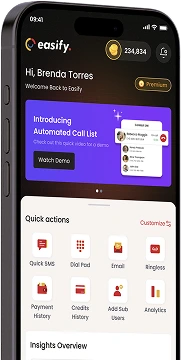
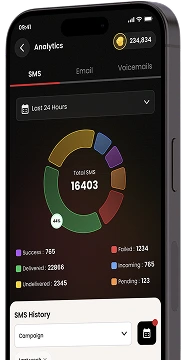
Download Our Mobile App
Get our Mobile App to get real-time notifications & more.



- Quick Links
- MCA
- Features
- Pricing
- Services
- Industries
- Contact Us
- Chat with us

Winner
2025 Global Recognition Award
Easify never sells, shares, or accesses your contact list or phone numbers. For full details on how we protect your data, please review our privacy policy.
© 2026 All Rights Reserved