How to Use the Zoom Integration Feature
When Creating a new Meeting Type, Choose that Platform as “Zoom”. This option will only be available if the user has Zoom Connected.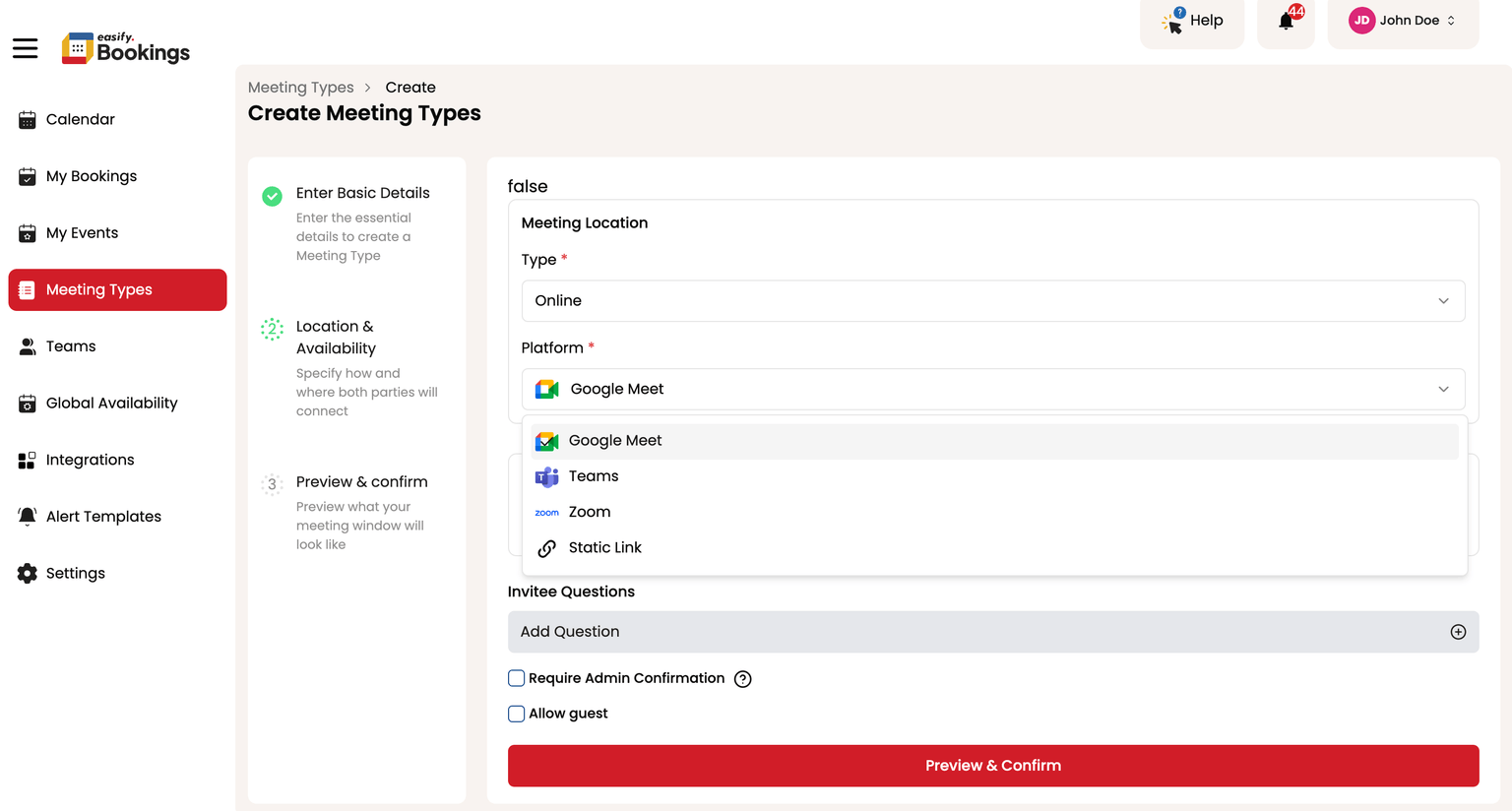
Once you have done this, New Bookings that happen on the corresponding Meeting Type will have a Zoom Meeting link.
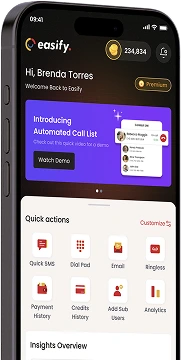
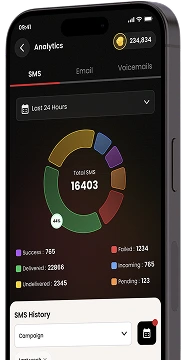
Download Our Mobile App
Get our Mobile App to get real-time notifications & more.



- Quick Links
- MCA
- Features
- Pricing
- Services
- Industries
- Contact Us
- Chat with us

Winner
2025 Global Recognition Award
Easify never sells, shares, or accesses your contact list or phone numbers. For full details on how we protect your data, please review our privacy policy.
© 2026 All Rights Reserved