Campaign Controls
Pause a Campaign
Pausing a campaign temporarily stops new batches from being processed while preserving your progress.
- Current batch: Messages already downloaded to the phone will finish sending
- Future batches: Paused and will resume when you restart the campaign
- Progress: Saved and can be resumed at any time
Stop a Campaign
Stopping a campaign permanently cancels all remaining messages that have not yet been sent.
- Current batch: Messages already on the phone will finish sending
- Remaining messages: Cancelled and will not be sent
Logging Out During a Campaign
Logging out behaves differently from pausing or stopping a campaign and should be avoided while a campaign is active.
- Current batch: Abandoned immediately and unsent messages are lost
- After logging back in: The campaign restarts from the next batch
Important
Always use Pause or Stop to manage an active campaign.
Logging out during a campaign may result in message loss.
Quick Reference
- Pause: Current batch completes, future batches wait
- Stop: Current batch completes, remaining messages are cancelled
- Log out: Current batch is abandoned, campaign restarts from the next batch
Download Our Mobile App
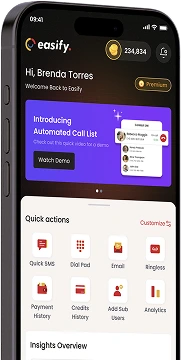
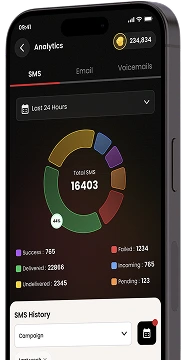
Get our Mobile App to get real-time notifications & more.



- Quick Links
- MCA
- Features
- Pricing
- Services
- Industries
- Contact Us
- Chat with us

Winner
2025 Global Recognition Award
Easify never sells, shares, or accesses your contact list or phone numbers. For full details on how we protect your data, please review our privacy policy.
© 2026 All Rights Reserved