Marketing SMS Filter
What Is Marketing SMS Filter?
By default, Easify Connect skips promotional and automated messages to keep your inbox clean and focused on important communications.
What Gets Filtered
- Promotional offers
- OTP codes
- Bank alerts
- Carrier notifications
- Other automated messages
Forwarding All Messages
If you want to receive all messages, including marketing or promotional content:
- Go to Settings in the Easify Connect app
- Locate Forward All Messages
- Turn the toggle ON
Tip: Keep this setting OFF unless you specifically need marketing messages in your inbox.
Download Our Mobile App
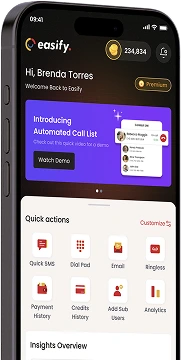
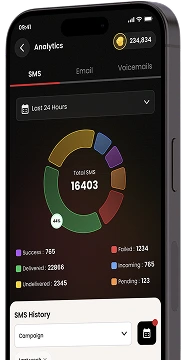
Get our Mobile App to get real-time notifications & more.



- Quick Links
- MCA
- Features
- Pricing
- Services
- Industries
- Contact Us
- Chat with us

Winner
2025 Global Recognition Award
Easify never sells, shares, or accesses your contact list or phone numbers. For full details on how we protect your data, please review our privacy policy.
© 2026 All Rights Reserved