MMS & RCS Support
Do You Support MMS?
Yes, Easify Connect supports incoming picture and media messages (MMS).When someone sends a photo or media message:
- The app captures the message
- It is forwarded to your Easify inbox
- You can view it directly on the web dashboard
Do You Support RCS?
Yes, incoming RCS (Rich Communication Services) messages are supported.RCS messages are forwarded to your Easify inbox just like regular SMS messages.
Enable MMS Forwarding
To enable MMS forwarding:
- Go to the Profile screen in the Easify Connect app
- Locate MMS Forwarding
- Turn the toggle ON
Tip: MMS messages use more data than regular SMS. Make sure you have a stable internet connection for reliable delivery.
Download Our Mobile App
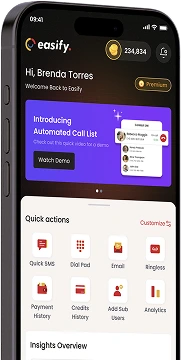
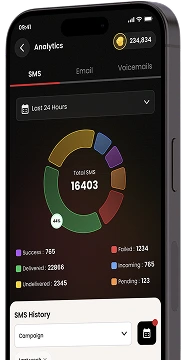
Get our Mobile App to get real-time notifications & more.



- Quick Links
- MCA
- Features
- Pricing
- Services
- Industries
- Contact Us
- Chat with us

Winner
2025 Global Recognition Award
Easify never sells, shares, or accesses your contact list or phone numbers. For full details on how we protect your data, please review our privacy policy.
© 2026 All Rights Reserved