Sync Old Messages
What Is Sync Old Messages?
This feature allows you to recover SMS messages that arrived while the app was not running, or before you connected your phone to Easify.
How to Sync Old Messages
- Go to the Profile screen in the Easify Connect app
- Tap Sync Old Messages
- Select the time range (e.g., last 7 days)
- Tap Scan to see how many messages are found
- Tap Sync to upload the messages to Easify
Only messages that have not already been forwarded will be synced. No duplicates are created.
Download Our Mobile App
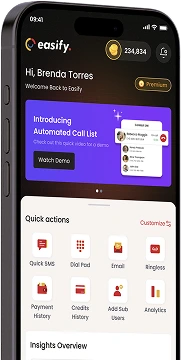
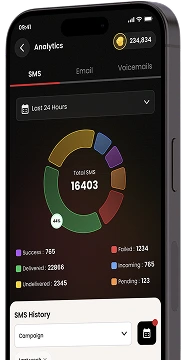
Get our Mobile App to get real-time notifications & more.



- Quick Links
- MCA
- Features
- Pricing
- Services
- Industries
- Contact Us
- Chat with us

Winner
2025 Global Recognition Award
Easify never sells, shares, or accesses your contact list or phone numbers. For full details on how we protect your data, please review our privacy policy.
© 2026 All Rights Reserved