Understanding Send Delays
What Is the Delay?
The delay is the waiting time between each SMS sent during a campaign.After one message is sent, your phone waits for the configured delay before sending the next message.
Delay Limits
- Minimum Delay: 10 seconds
- Maximum Delay: 60 seconds
Why Does the Delay Exist?
Send delays are designed to protect both your phone number and message deliverability.
- Carrier Protection
Mobile carriers actively monitor SMS traffic for spam-like behavior. Sending messages too quickly can cause your number to be flagged or blocked. - Number Reputation
Each phone number has a reputation or trust score with carriers. High-speed bulk messaging can negatively impact this score. - Natural Sending Pattern
Real users do not send large volumes of messages in a short time. Delays help your campaigns appear natural and human-like.
Default Settings
- Default delay range: 15 to 60 seconds
- Lowest allowed delay: 10 seconds
Each message is sent after a random delay within the selected range. Randomized delays appear more natural than fixed intervals and reduce the risk of carrier filtering.
Best Practice
If you are sending messages primarily to recipients on the same carrier (for example, all Verizon numbers), consider using higher delay values. Carriers monitor bulk traffic within their own network more closely.
How to Change the Delay
To adjust the delay settings for a connected device:
- Open the Easify web dashboard
- Navigate to Device Connect
- Locate your connected device
- Click Adjust Delay
- Set your preferred minimum and maximum delay
- Save the changes
New delay settings apply to the next batch of messages.
Download Our Mobile App
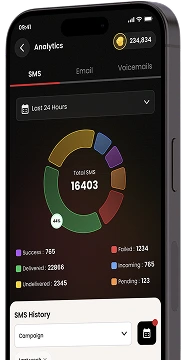
Get our Mobile App to get real-time notifications & more.




- Quick Links
- MCA
- Features
- Pricing
- Services
- Industries
- Contact Us
- Chat with us

2025 Global Recognition Award